Reforge.
The Windows rebuild assistant for power users.
Reinstalling Windows usually means rebuilding your software setup from memory. Reforge scans what's installed across the registry, WinGet, the Microsoft Store, Chocolatey, and Scoop — then exports a runnable PowerShell script you can use on the next machine. No telemetry, no account, no cloud; your inventory stays on your device.
What's inside.
Scans every source
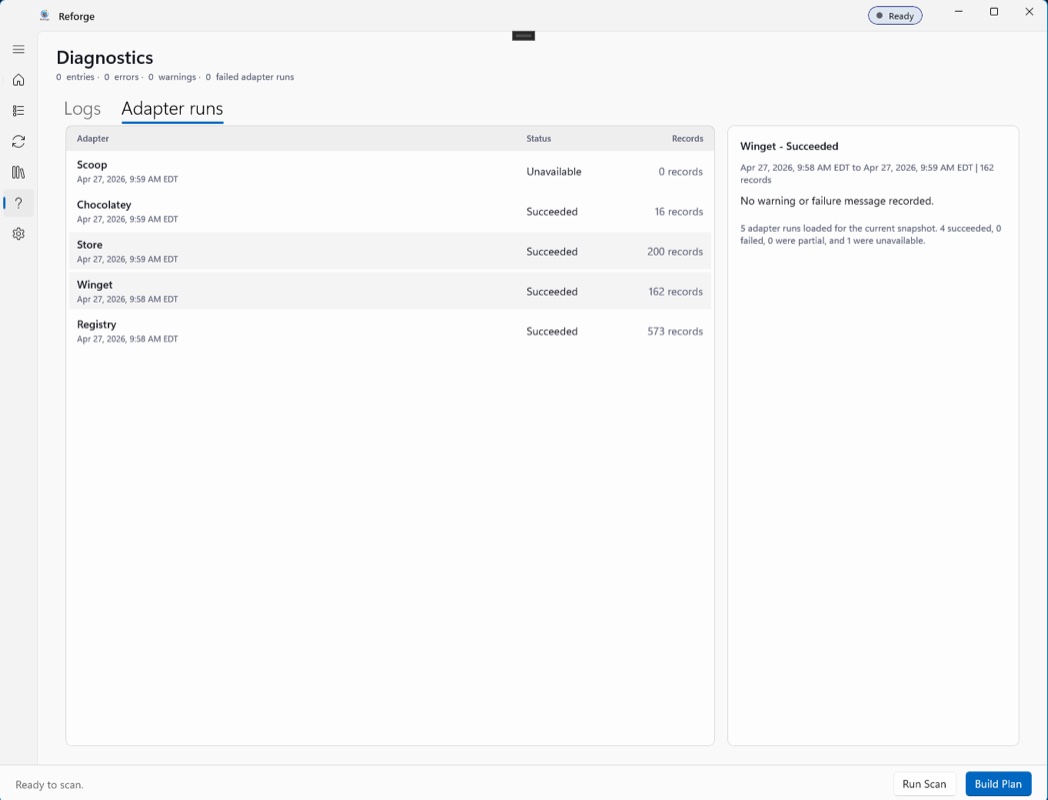
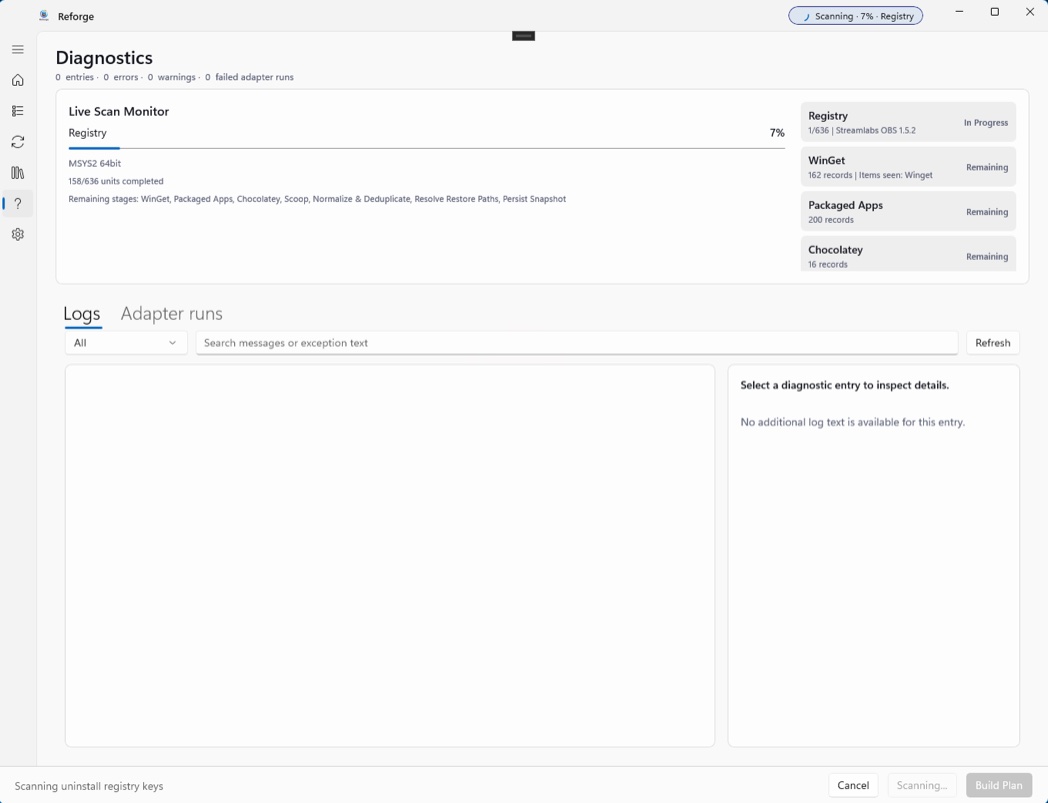
Windows uninstall keys, WinGet, the Microsoft Store / AppX, Chocolatey, and Scoop. Each source is best-effort — if a tool isn't installed, that source is skipped and the diagnostics tell you why.
Exports a script you run
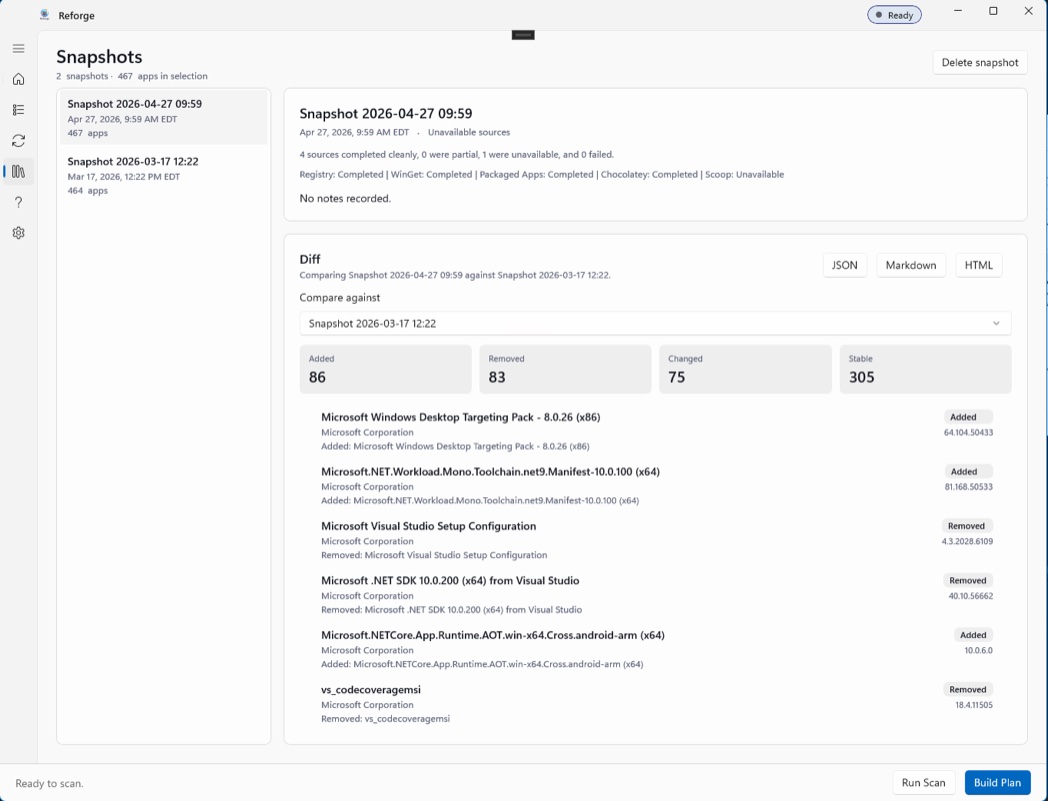
Snapshot your setup and export it as a runnable PowerShell script — or JSON, Markdown, or HTML. Reforge never installs or elevates anything itself; you run the script on the new machine and stay in control.
Fully local, fully private
No telemetry, no account, no cloud. The inventory and snapshots live in a local SQLite database under your AppData folder. Nothing leaves the machine unless you export it.
A look around.
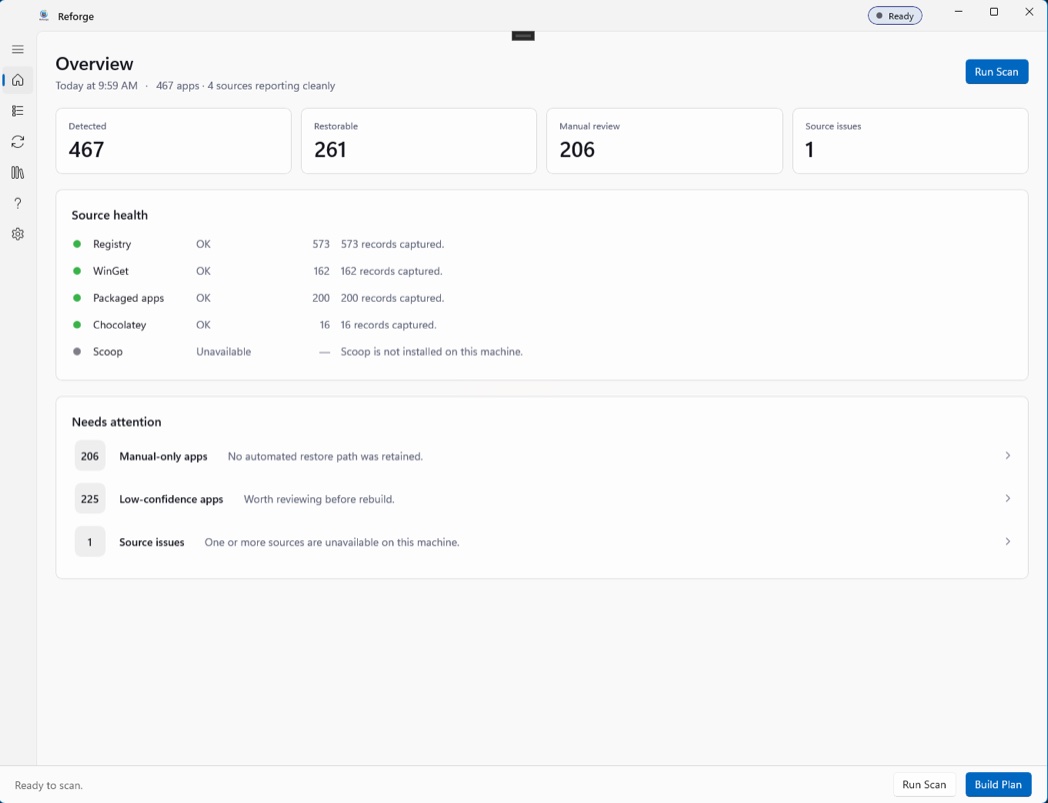
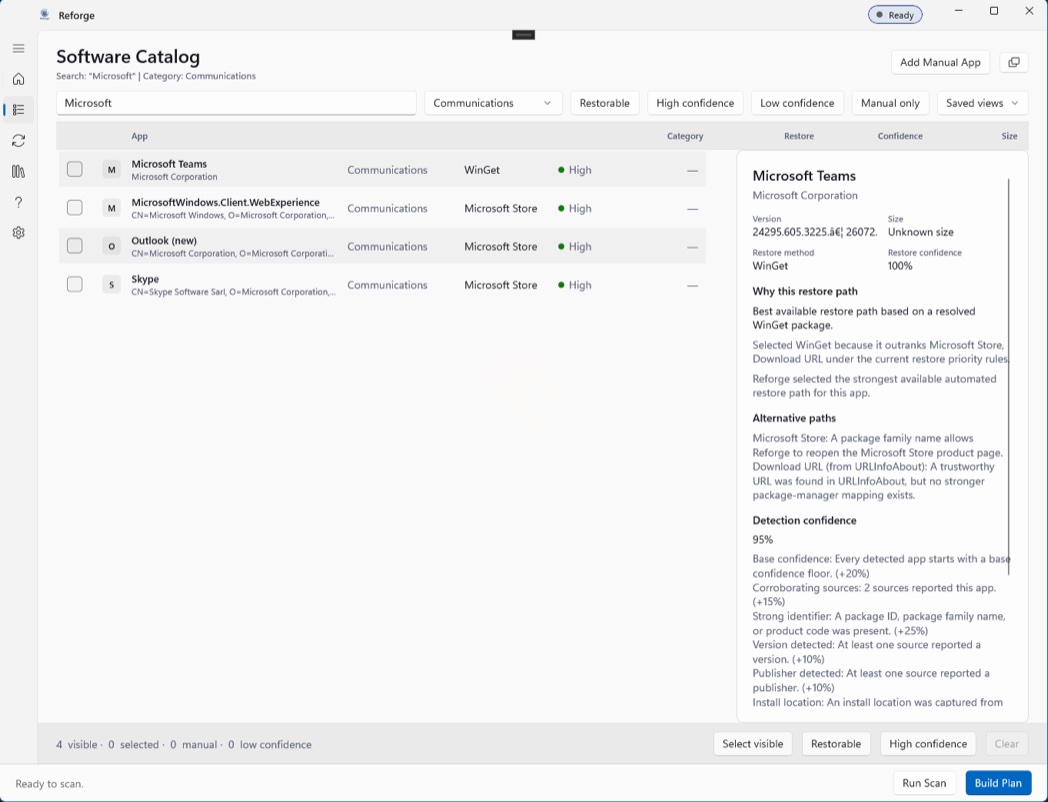
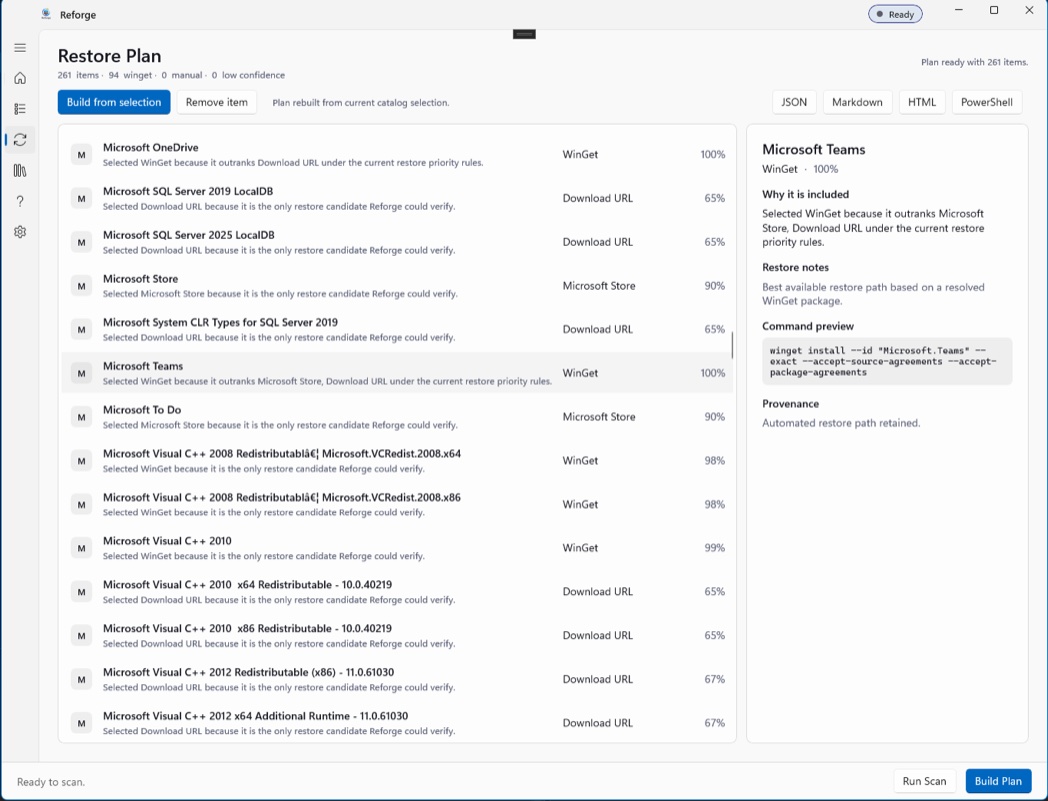
“Reinstalling Windows usually means rebuilding your setup from memory. Reforge remembers it for you.”