
Gratify.
Tip, split, and settle up.
A tip calculator and bill splitter. Drag a dial to any tip from 0 to 30% — 15, 18, and 20 are one tap away — then tap the total for everything you write on the receipt. Split evenly or item by item, see who owes what, and message each person their share. Free, with an optional one-time Gratify Pro purchase — no subscription. No account, no ads, nothing tracked.
What's inside.
A dial for the tip
Drag to any tip from 0 to 30%, with 15, 18, and 20 one tap away. Set a custom tip or round to the dollar, then tap the total for what goes on the receipt: bill, tax, tip, and total.
Split it your way
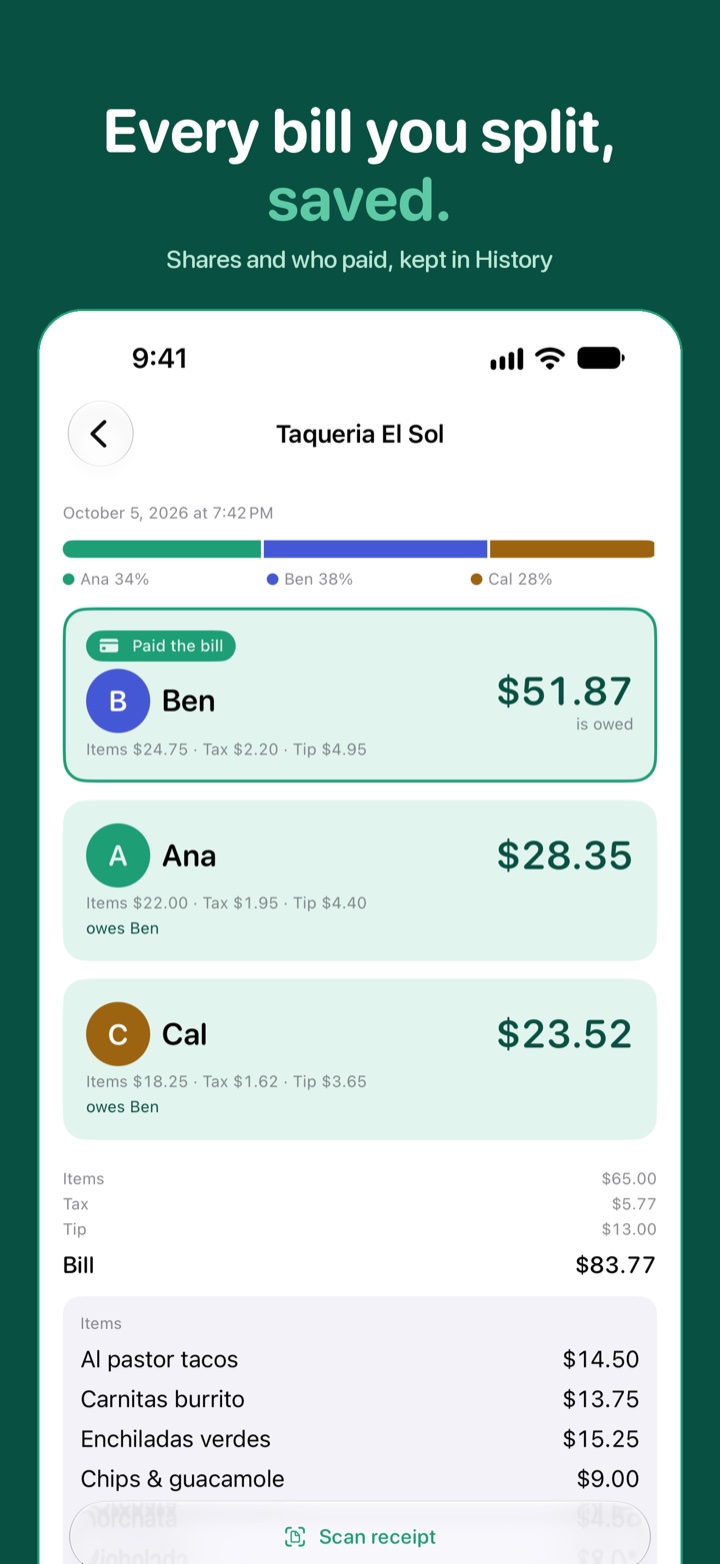
Split evenly, or item by item with a color for each person. Mark who paid, and if you start from the items, the bill fills in from them.
Who owes what
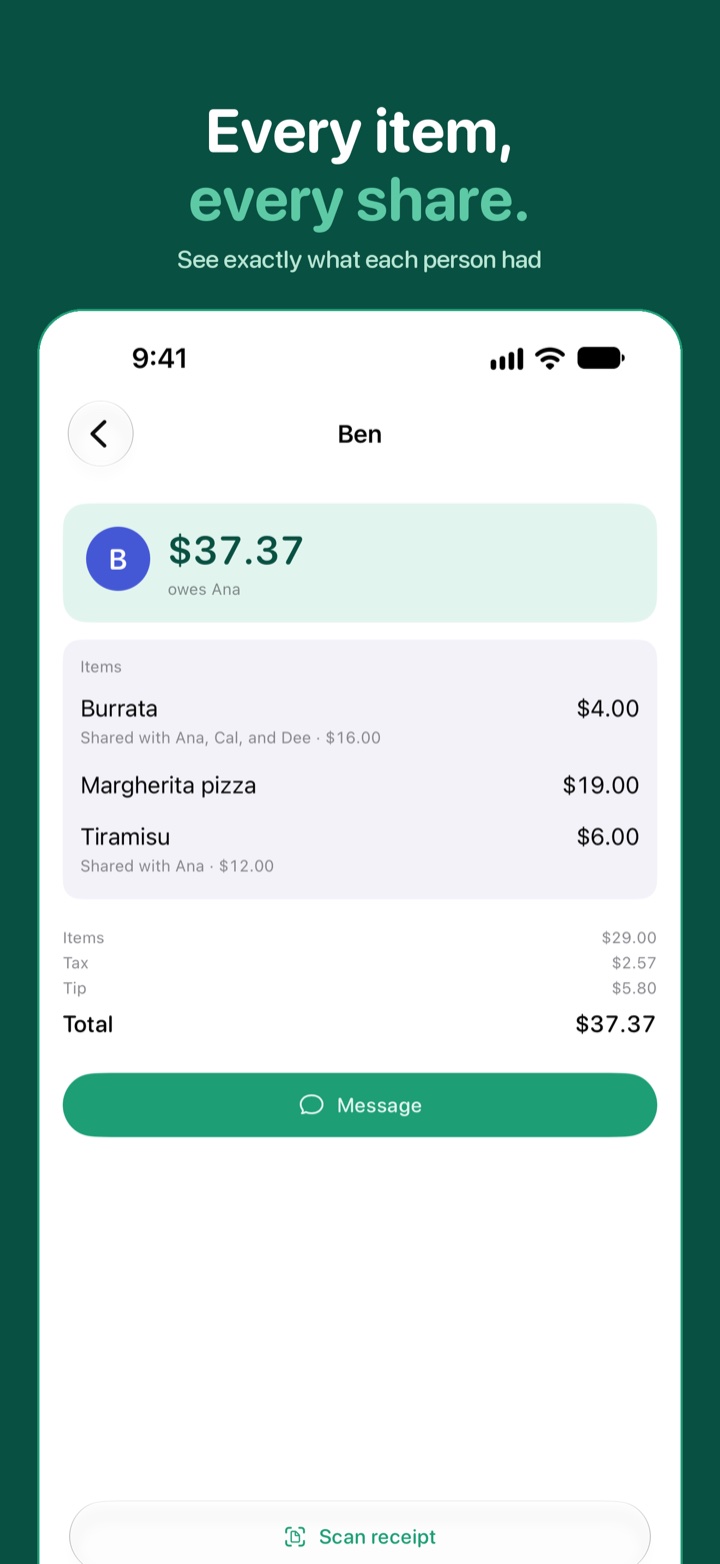
Every person's share, broken down into their items, tax, and tip — with a ready-to-send message for each one.
Scan the receipt
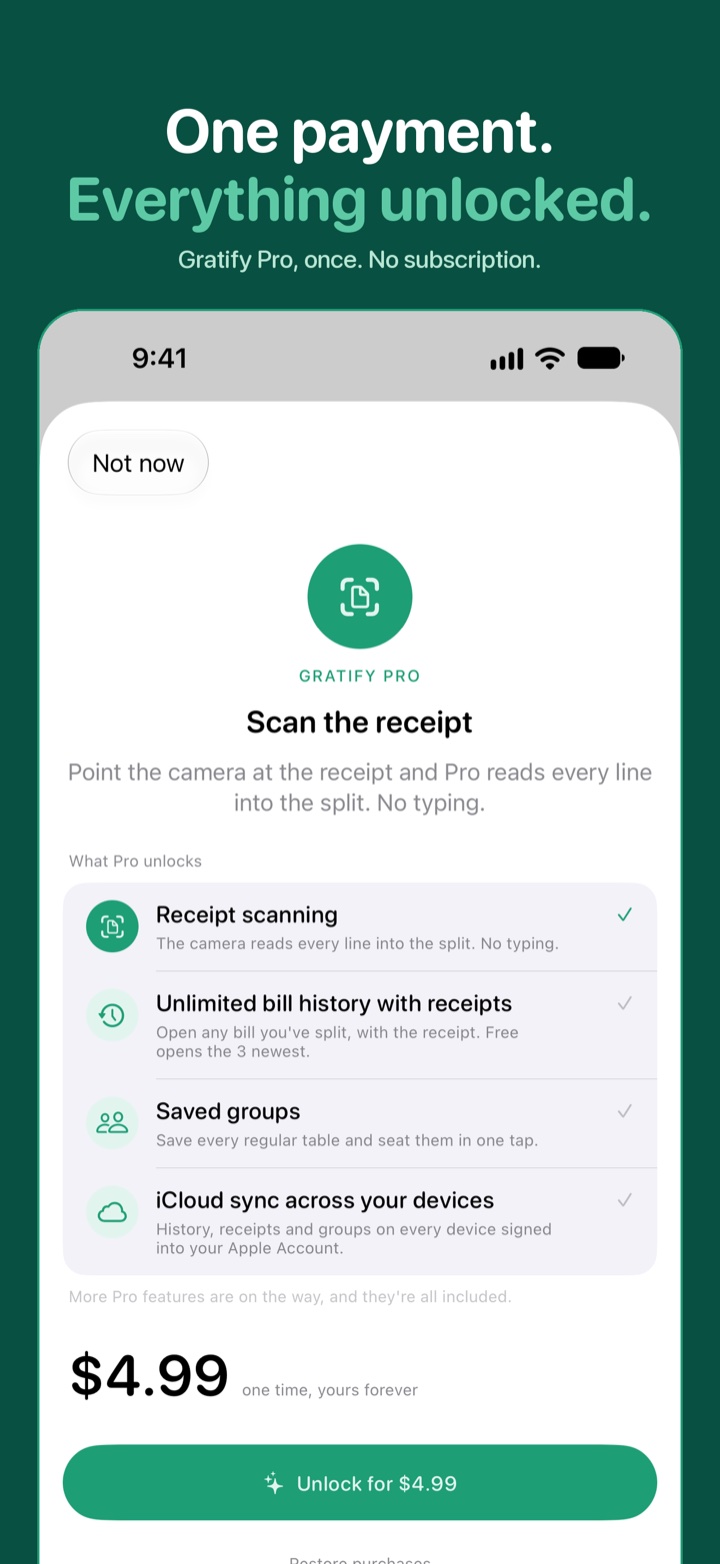
With Gratify Pro, scan a receipt and it's read right on your phone. Assign the items, then adjust the tax and tip afterwards.
Bills you can come back to
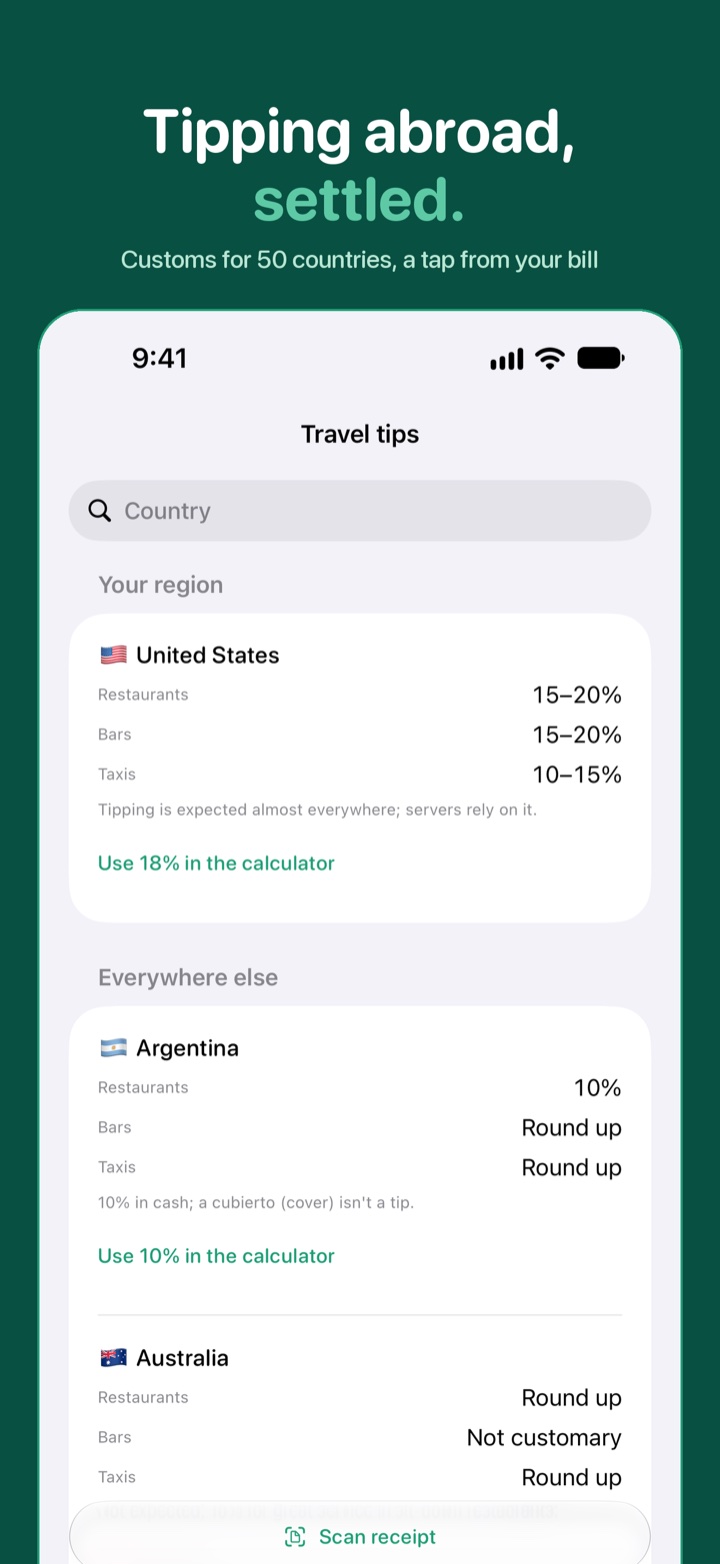
History keeps every bill — the three newest open free, all of them with Pro. Pro adds saved groups and iCloud sync across your devices. A travel tipping guide covers 50 countries.
Wherever you settle up
Widgets, a Live Activity, Control Center, Siri, and Shortcuts — plus a quick tip calculator on Apple Watch.
A look around.
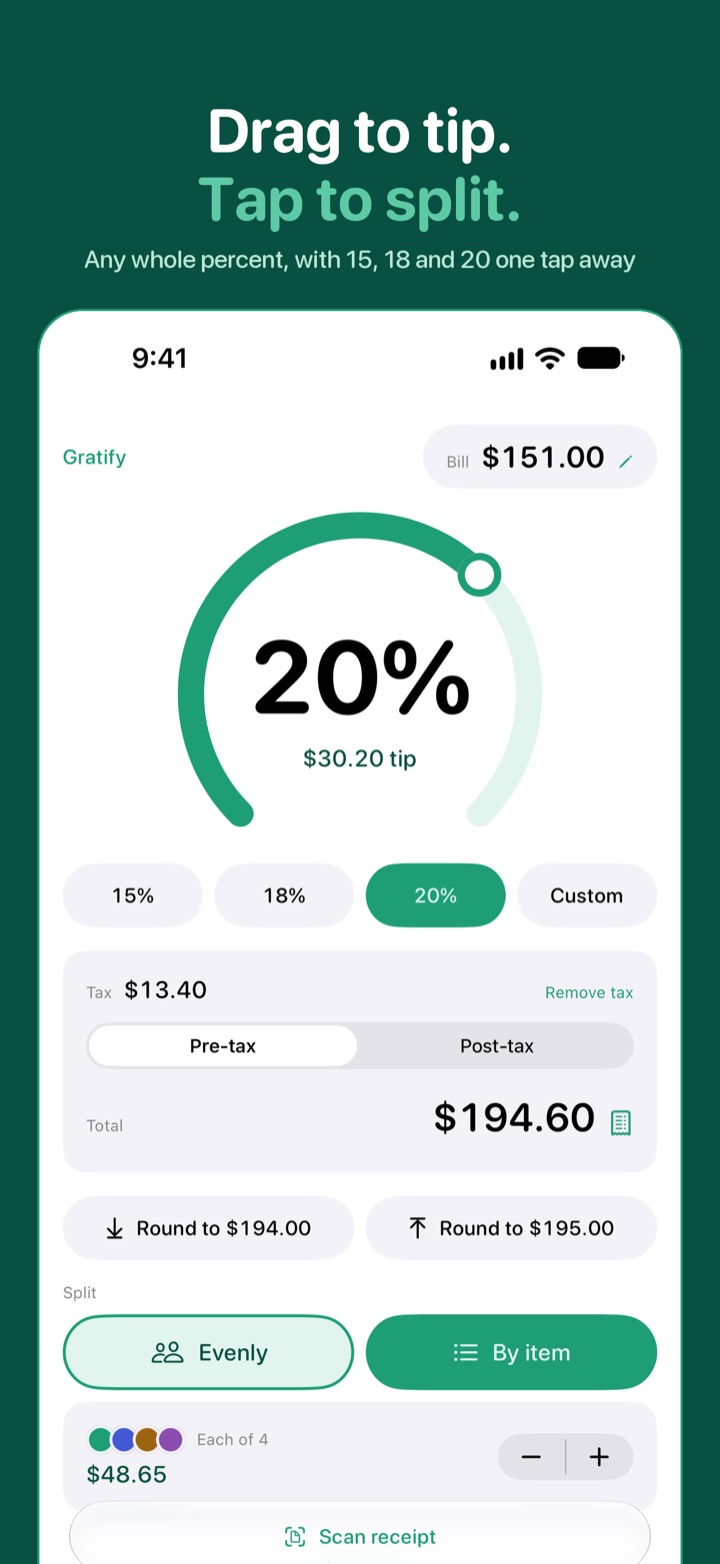
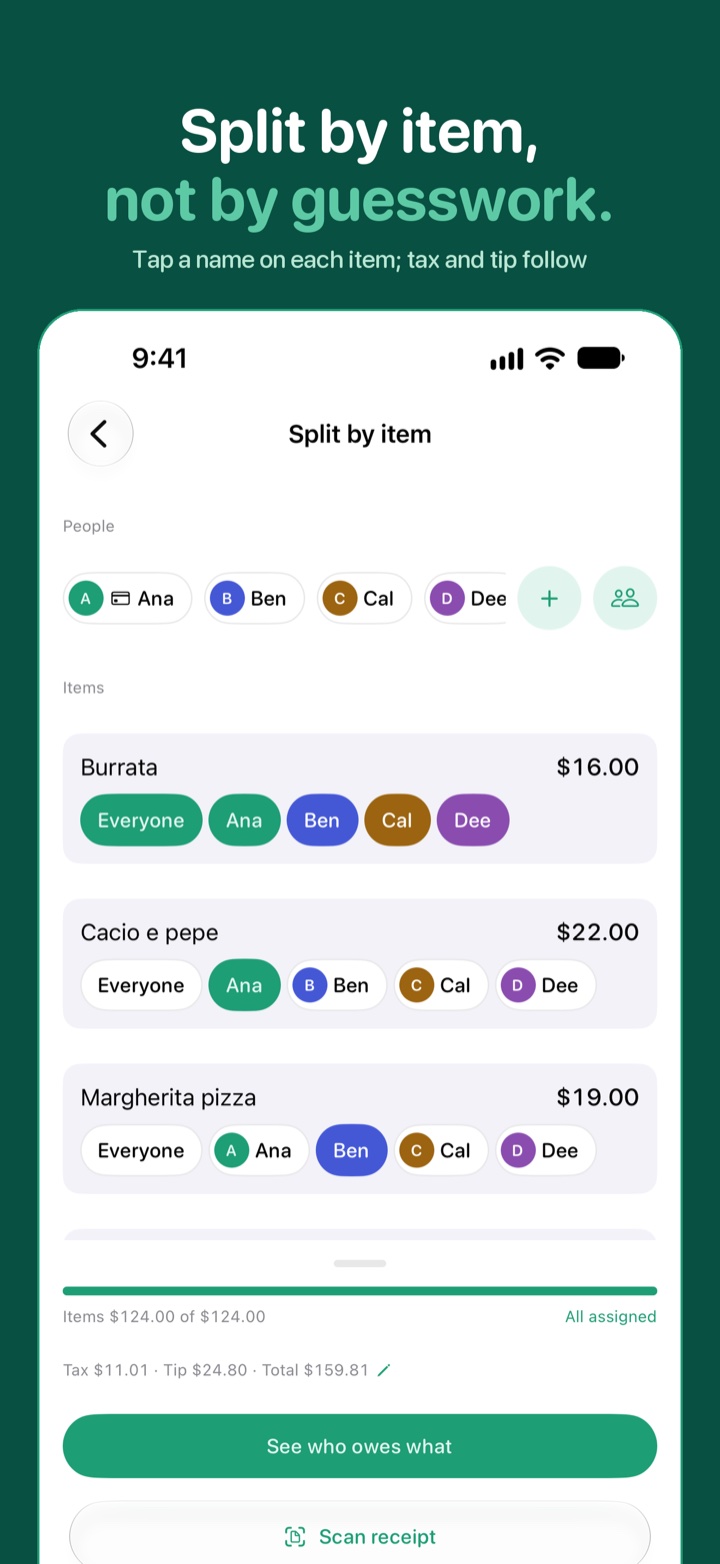
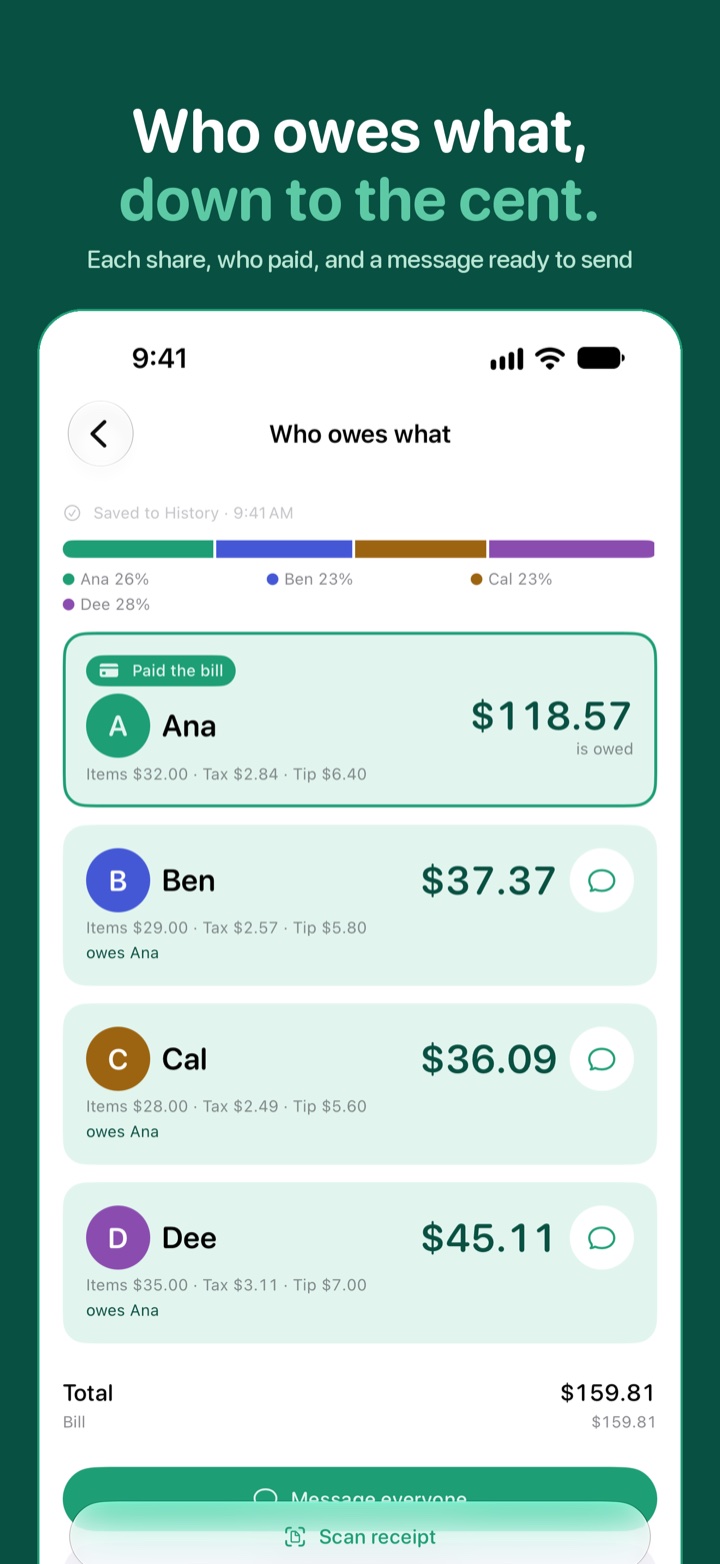
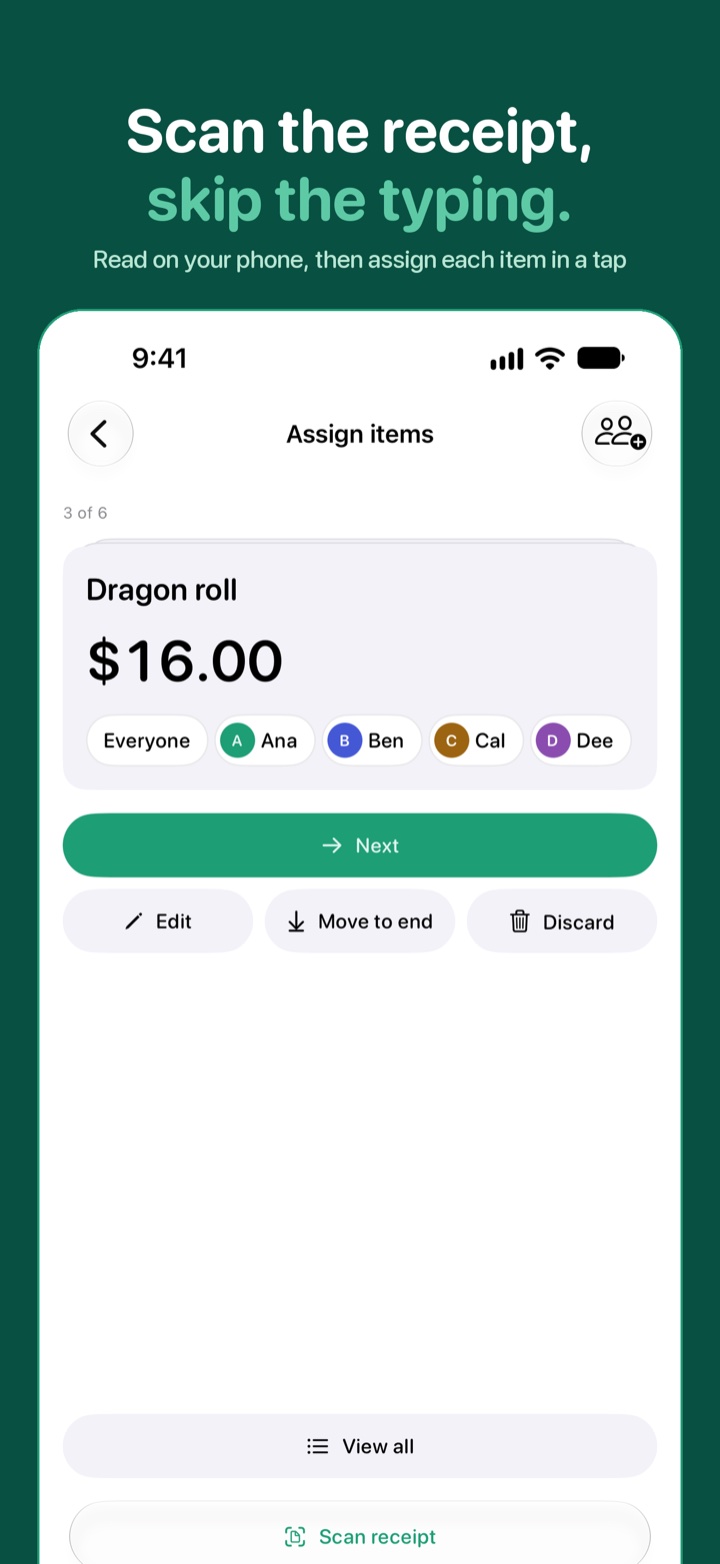
“Drag to tip. Tap to split. Everyone sees exactly what they owe.”